The Complete Guide to AI Product Photography for E-commerce Sellers

Sarah Chen
12/16/2025
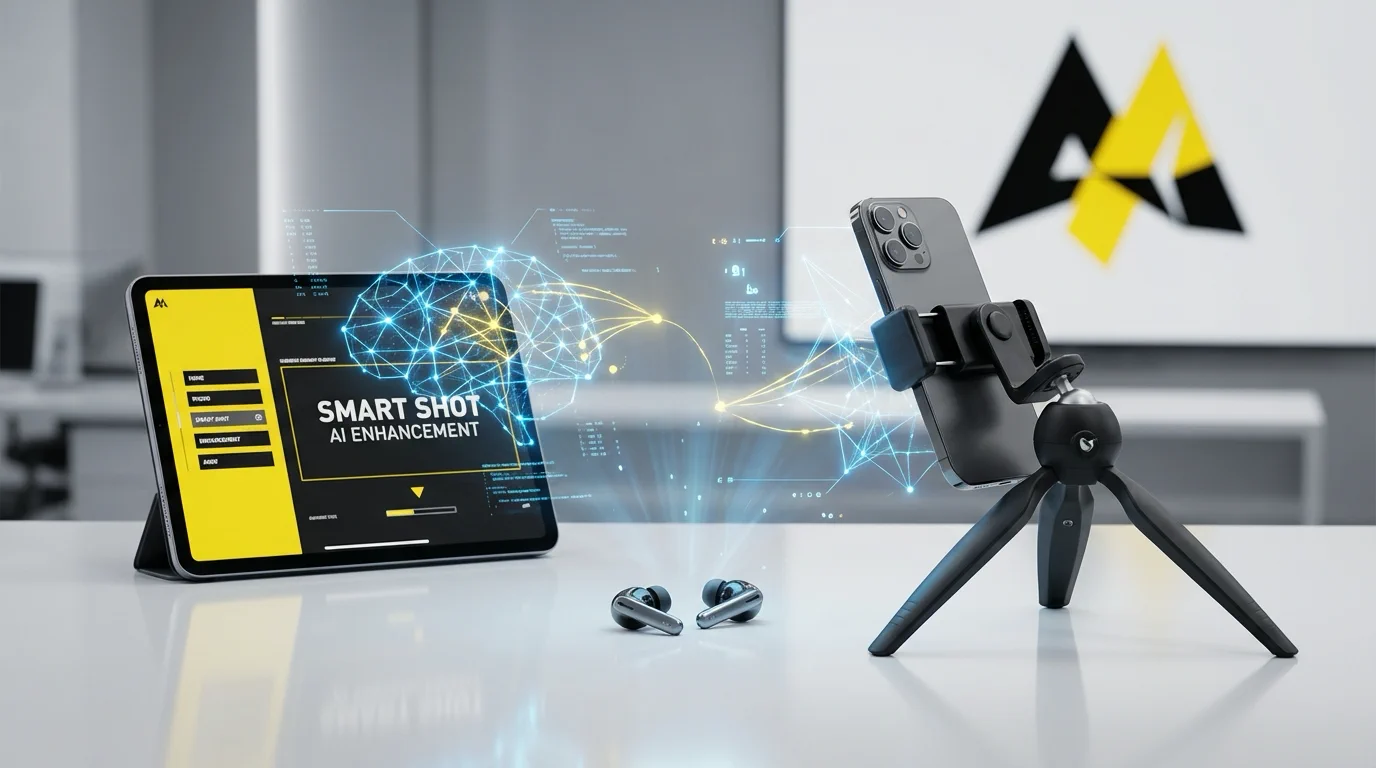
Product photography can make or break your e-commerce business. Studies show that 93% of consumers consider visual appearance to be the key deciding factor in a purchasing decision. Yet for most online sellers, professional product photography remains a significant barrier—expensive studio rentals, professional photographers, and models can easily cost thousands of dollars per product line.
That's where AI is changing the game. In 2025, artificial intelligence has matured to the point where sellers can create studio-quality product images, lifestyle scenes, and even model shots from their smartphone photos.
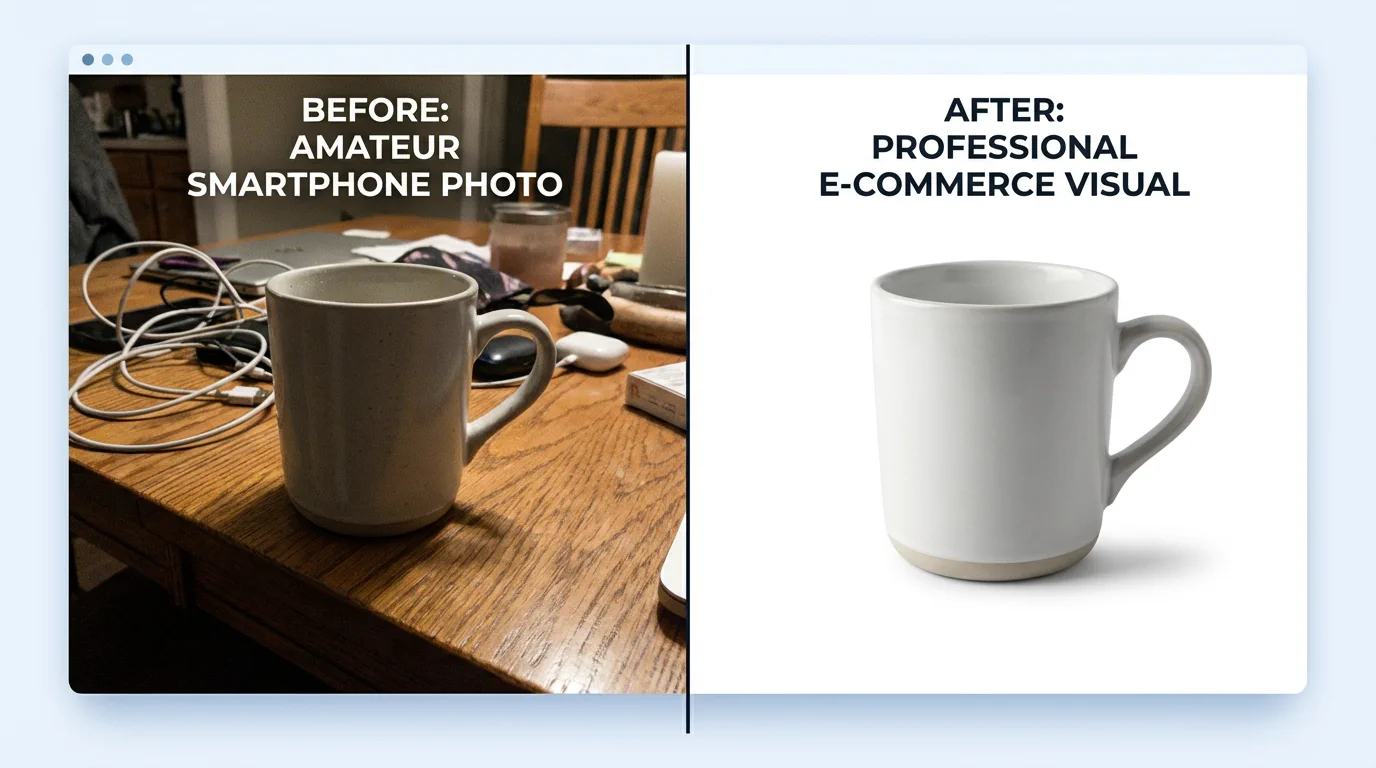
The Product Photography Challenge for Online Sellers
Every e-commerce seller faces the same dilemma: how do you create compelling product images that compete with major brands without their budget?
Traditional photography costs add up quickly:
- Professional photographer: $500-2,000 per day
- Studio rental: $200-500 per day
- Models: $500-1,500 per day
- Props and styling: $200-500
- Post-processing and retouching: $50-200 per image
For a small seller launching 20 products, professional photography could easily exceed $10,000. And that's before considering seasonal updates, new colorways, or A/B testing different image styles.
Common compromises sellers make:
- DIY photos with poor lighting and inconsistent backgrounds
- Using manufacturer-provided images (same as every competitor)
- Skipping lifestyle and model shots entirely
- Outdated images that don't reflect current branding
These compromises directly impact conversion rates. Products with professional images see 30-40% higher conversion rates compared to amateur photography.
How AI Solves the Product Photography Problem
AI-powered tools now enable sellers to transform basic product photos into professional marketing assets. Here's what's possible today:
Professional Backgrounds in Seconds
The Background Remover tool uses AI to precisely separate your product from any background, handling complex edges like jewelry chains, fabric textures, and transparent materials. Once removed, you can place your product on clean white backgrounds for marketplace listings or custom branded backgrounds for your website.
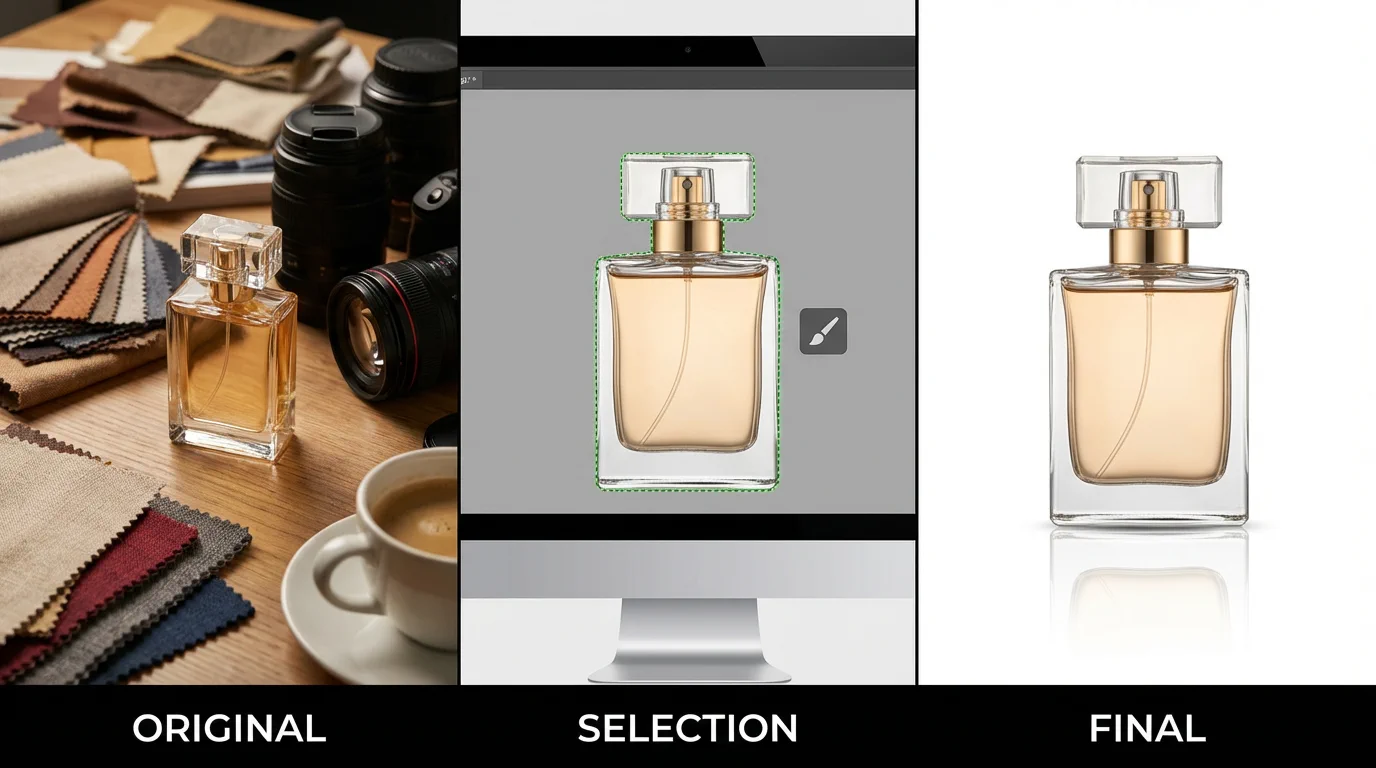
Lifestyle Scenes Without a Studio
Perhaps the most powerful advancement is AI-generated lifestyle photography. The Lifestyle Scene feature takes your product photo and places it in contextual environments—a coffee mug on a cozy desk, skincare products in a spa-like bathroom, or electronics in a modern home office.
These aren't awkward composites. AI understands lighting, shadows, reflections, and perspective to create images indistinguishable from professional lifestyle photography.
Product Spotlight Effects
The Product Spotlight tool creates dramatic, attention-grabbing images by adding professional lighting effects, subtle shadows, and depth that make products pop off the screen. Perfect for hero images, advertisements, and social media posts.
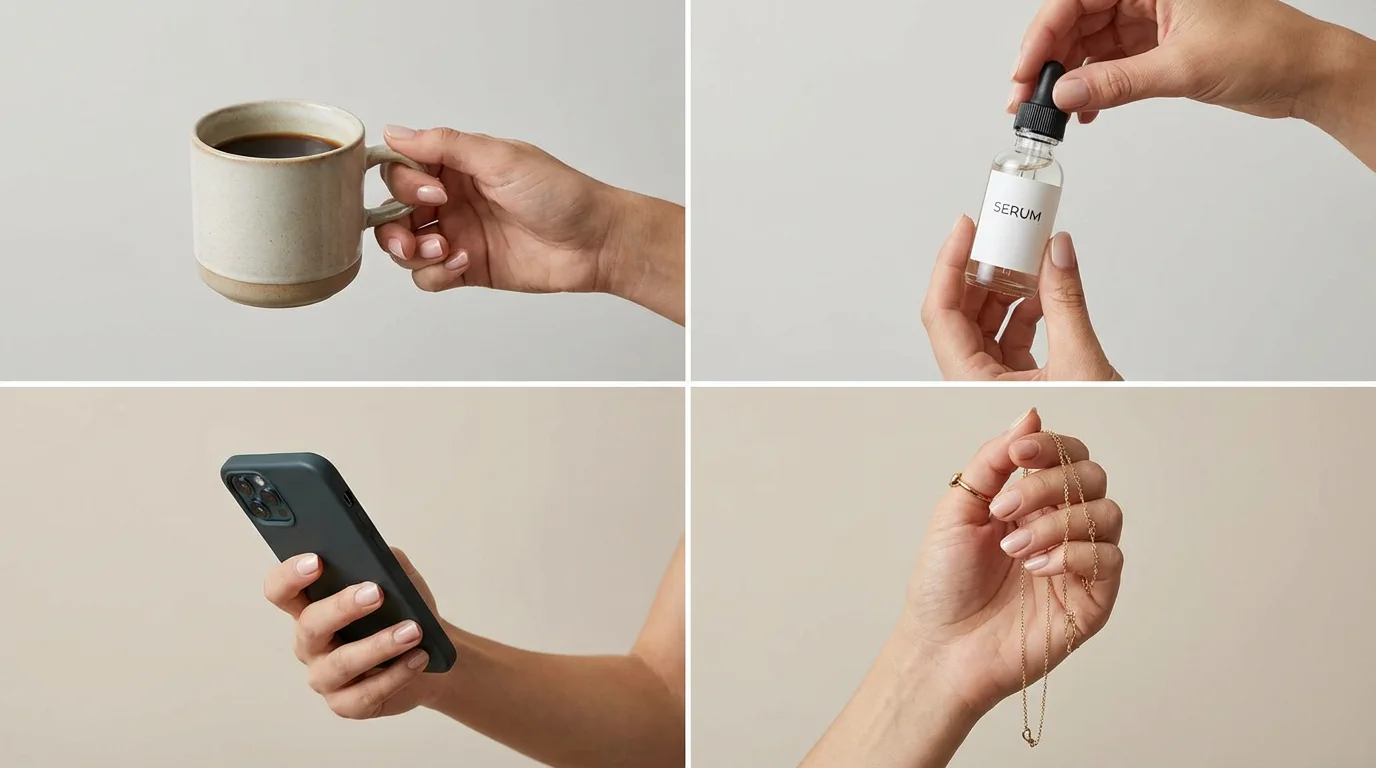
Hand-Held Product Shots
One of the most persuasive image types shows products being held or used. The Product in Hand feature generates realistic images of hands holding your products—demonstrating scale, texture, and usability without hiring hand models or setting up elaborate shoots.
AI Models: The Game-Changer for Fashion and Apparel
For fashion sellers, model photography has traditionally been the biggest expense. A single photoshoot with models can cost $5,000-15,000 when factoring in talent, styling, makeup, and studio time.
Virtual Try-On Technology
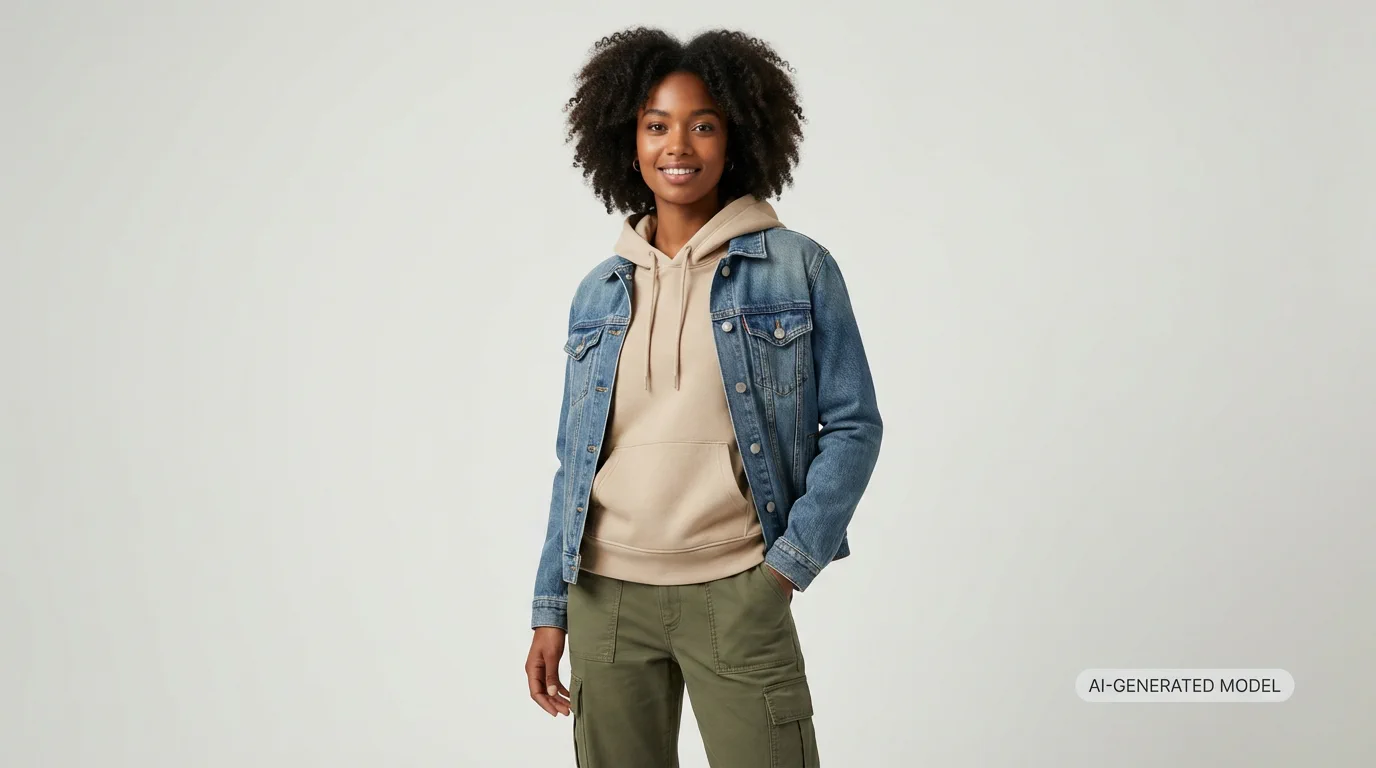
The Virtual Try-On feature allows customers to see how clothing looks on different body types. Upload your garment flat lay or mannequin shot, and AI generates realistic images of the clothing on diverse models.
AI Fashion Models
The AI Fashion Model tool takes this further, creating professional model shots from your product photos. Choose from diverse model appearances to represent your customer base authentically.
Benefits include:
- Consistent model availability (no scheduling conflicts)
- Diverse representation without multiple casting calls
- Rapid iteration for seasonal collections
- A/B testing different model styles
Video Content: The New Frontier
Static images are no longer enough. Platforms like TikTok Shop, Instagram Reels, and Amazon Video demand motion content. AI makes video creation accessible to every seller.
Product Videos
The Product Video feature transforms your product images into engaging video content—rotating product views, zoom effects, and dynamic presentations that capture attention in crowded feeds.
Talking Head Videos for Brand Building
The Talking Head tool creates spokesperson videos from a single photo. Perfect for product explanations, brand introductions, or customer testimonials without the complexity of video production.
Lip Sync for Multilingual Markets
Expanding internationally? The Lip Sync feature enables you to create localized video content where your spokesperson appears to speak different languages naturally.
Practical Workflow for E-commerce Sellers
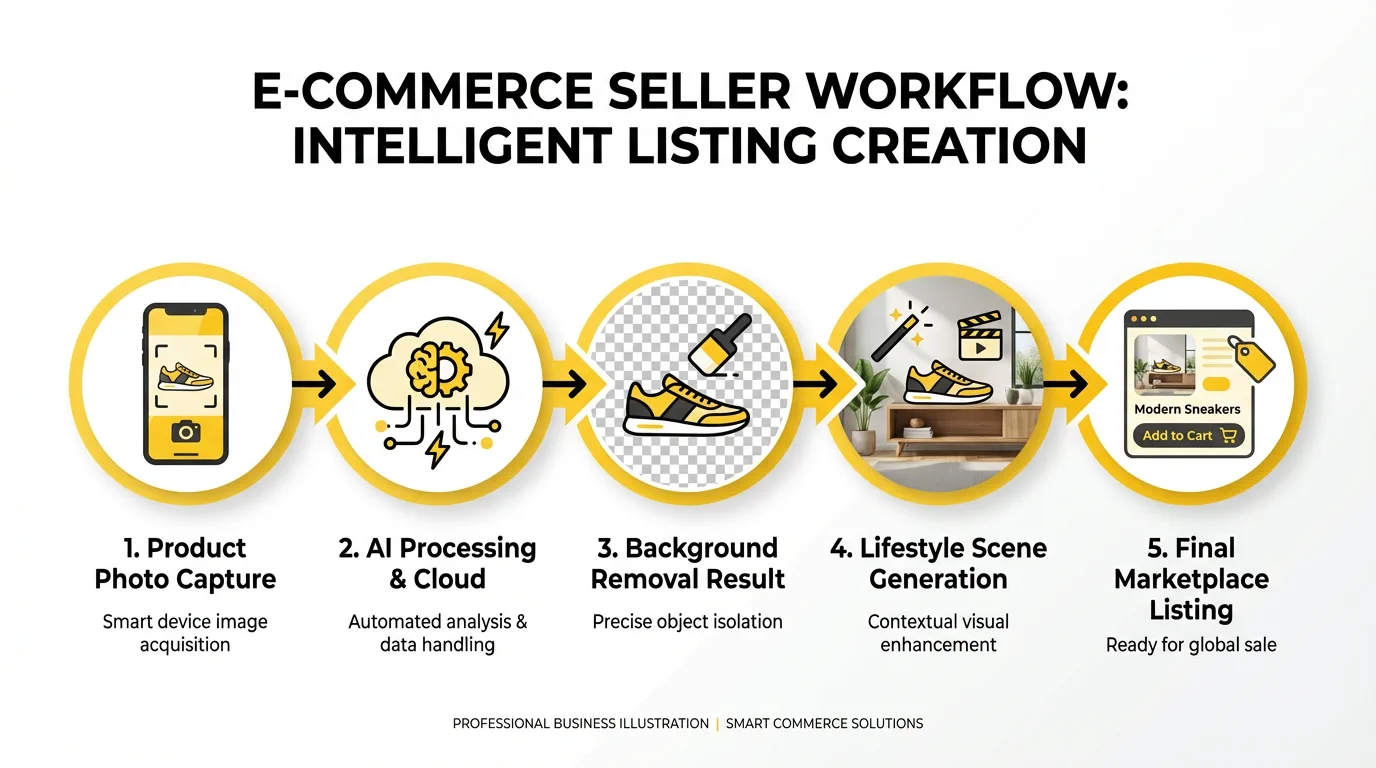
Here's a step-by-step workflow to transform your product photography using AI:
Step 1: Capture Basic Product Photos
You don't need expensive equipment. Use your smartphone with these tips:
- Natural daylight near a window works best
- Shoot against a plain background (even a white poster board)
- Capture multiple angles
- Ensure the product is clean and well-presented
Step 2: Clean Up with Background Removal
Upload to Background Remover to get clean cutouts. This creates the foundation for all your other images.
Step 3: Generate Marketplace-Ready Images
For platforms like Amazon, eBay, or Etsy, you need clean white backgrounds. Use your removed-background images directly, or add subtle shadows for depth.
Step 4: Create Lifestyle Content
Use Lifestyle Scene to generate contextual images showing your product in use. Create 3-5 variations to test which resonates with your audience.
Step 5: Add Model Shots (If Applicable)
For fashion, accessories, or wearables, use Virtual Try-On or AI Fashion Model to create model photography.
Step 6: Produce Video Content
Convert your best images to video using Product Video for social media and marketplace listings that support video.
Real Results: What Sellers Are Achieving
Sellers using AI product photography tools report significant improvements:
- 40-60% reduction in photography costs compared to traditional methods
- 3x faster time-to-market for new products
- 25-35% increase in click-through rates on marketplace listings
- Higher customer engagement on social media with lifestyle content
One fashion seller shared: "We used to spend $8,000 per collection on model photography. Now we create the same quality—actually better variety—for a fraction of that. We can test different model looks and styles before committing to a direction."
Best Practices for AI Product Photography
Maintain Brand Consistency
Create a style guide for your AI-generated images:
- Consistent lighting direction
- Cohesive background styles
- Matching color temperatures
- Unified model aesthetics (if applicable)
Combine AI with Human Touch
AI excels at heavy lifting, but human oversight ensures quality:
- Review all generated images before publishing
- Make minor adjustments for brand alignment
- Ensure product details are accurately represented
Test and Iterate
AI enables rapid testing that was impossible with traditional photography:
- A/B test different background styles
- Try various lifestyle contexts
- Experiment with model diversity
- Track performance metrics to optimize
Stay Authentic
While AI can enhance and transform images, accuracy remains crucial:
- Ensure colors match actual products
- Don't misrepresent product size or features
- Use AI to enhance, not deceive
Getting Started with SellerVid
Ready to transform your product photography? Here's how to begin:
-
Try Background Remover - Start with the basics. Clean product cutouts are the foundation of professional e-commerce imagery.
-
Explore Lifestyle Scene - See how your products look in professional lifestyle settings without a studio.
-
Generate Product Spotlights - Create hero images that make your products shine.
-
Check out AI Fashion Model - If you sell clothing or accessories, see what's possible with AI model photography.
-
Browse All Tools - Explore our complete suite of 25+ AI tools designed specifically for e-commerce sellers.
The Future of E-commerce Visual Content
AI product photography isn't just a cost-saving measure—it's becoming a competitive necessity. As more sellers adopt these tools, customer expectations for visual content quality continue to rise.
The sellers who thrive will be those who embrace AI as a creative partner: using it to produce more content, test more variations, and respond faster to market trends than ever before possible.
The technology is here. The tools are accessible. The only question is whether you'll be among the sellers who leverage AI to transform your visual content—or those still struggling with the limitations of traditional photography.
Ready to revolutionize your product photography? Start with our free credits and see what AI can do for your e-commerce business.